Cloud-based setup with GitHub Codespaces
Set up GitHub Codespaces to develop VIKTOR apps in your browser. Use this option if you use macOS or cannot install software on your computer. GitHub hosts the development environment, so you do not need to install VIKTOR on your computer.
Before you start
You need a VIKTOR account and a GitHub account. Sign in to VIKTOR before you start.
Set up GitHub Codespaces
On macOS, the Codespaces setup opens directly after step 3. Continue with step 6 in that case.
-
Click Settings in your user menu to open Personal settings.
-
Click Local development in the menu.
-
Click Start installation in the Install VIKTOR section.

-
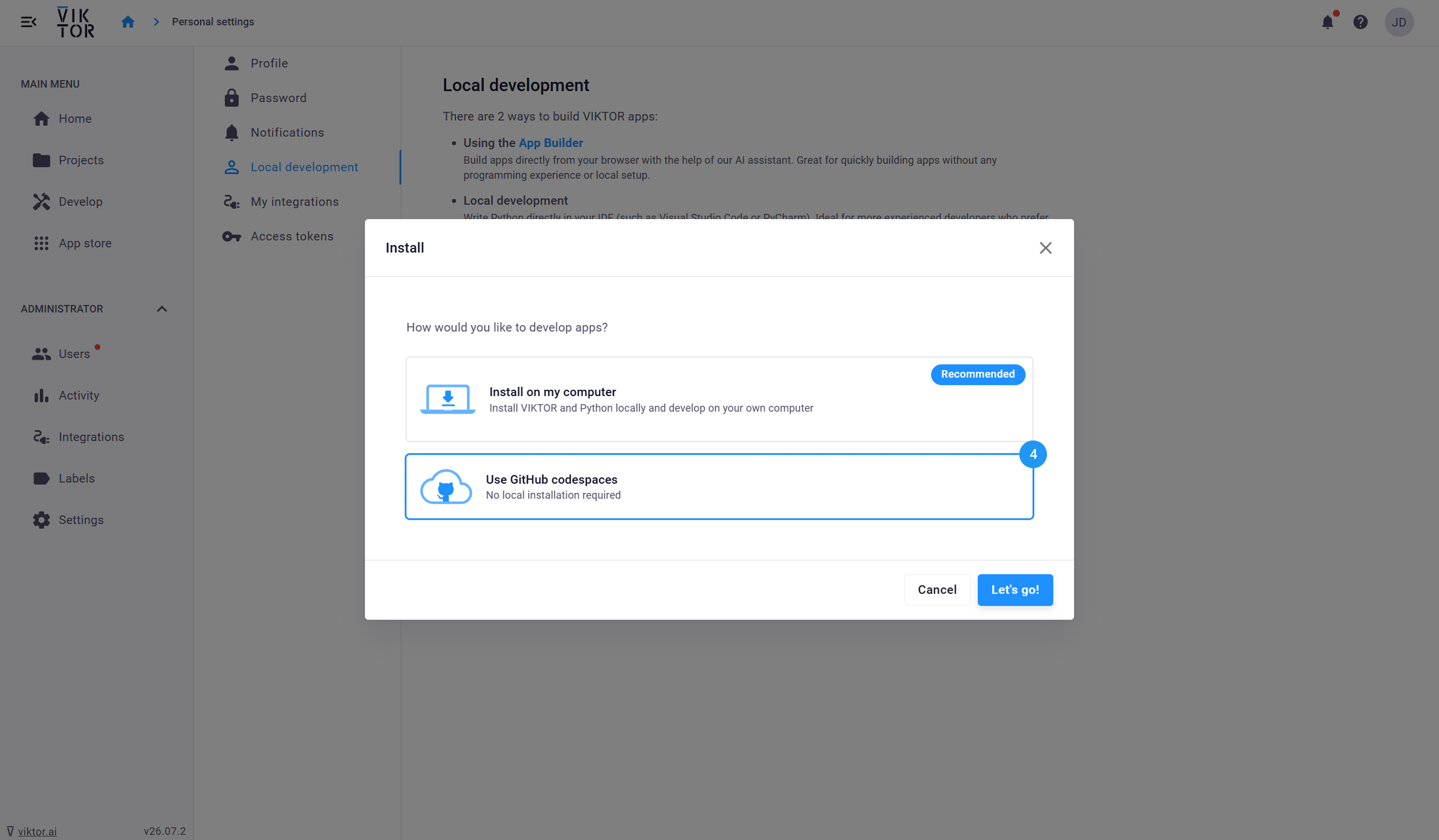
Select Use GitHub codespaces in the pop-up.
-
Click Let's go!.
-
Follow the remaining setup steps in the pop-up.
Check your setup
Your Codespace should be open in your browser. In its terminal, run:
viktor-cli check-system
All checks should pass. If a check fails, follow the explanation printed by the command. If the command is not found, return to the pop-up and complete the Configure Codespace step.
Continue with the starter guide to create your first app.
You can reopen your Codespace from the GitHub Codespaces dashboard. For more information, see the GitHub Codespaces documentation.